Quickstart
Welcome to ratatui_ruby! This guide will help you get up and running with your first Terminal User Interface in Ruby.
Installation
Add this line to your application’s Gemfile:
gem "ratatui_ruby"
And then execute:
bundle install
Or install it yourself as:
gem install ratatui_ruby
Basic Application
Here is a “Hello World” application that demonstrates the core lifecycle of a ratatui_ruby app.
require "ratatui_ruby"

# 1. Initialize the terminal
RatatuiRuby.init_terminal

begin
  # The Main Loop
  loop do
    # 2. Create your UI (Immediate Mode)
    # We define a Paragraph widget inside a Block with a title and borders.
    # Other widgets include RatatuiRuby::RatatuiMascot, RatatuiRuby::RatatuiLogo, etc.
    view = RatatuiRuby::Paragraph.new(
      text: "Hello, Ratatui! Press 'q' to quit.",
      alignment: :center,
      block: RatatuiRuby::Block.new(
        title: "My Ruby TUI App",
        title_alignment: :center,
        borders: [:all],
        border_color: "cyan",
        style: { fg: "white" }
      )
    )

    # 3. Draw the UI
    RatatuiRuby.draw(view)

    # 4. Poll for events
    event = RatatuiRuby.poll_event
    break if event == "q" || event == :ctrl_c
  end
ensure
  # 5. Restore the terminal to its original state
  RatatuiRuby.restore_terminal
end
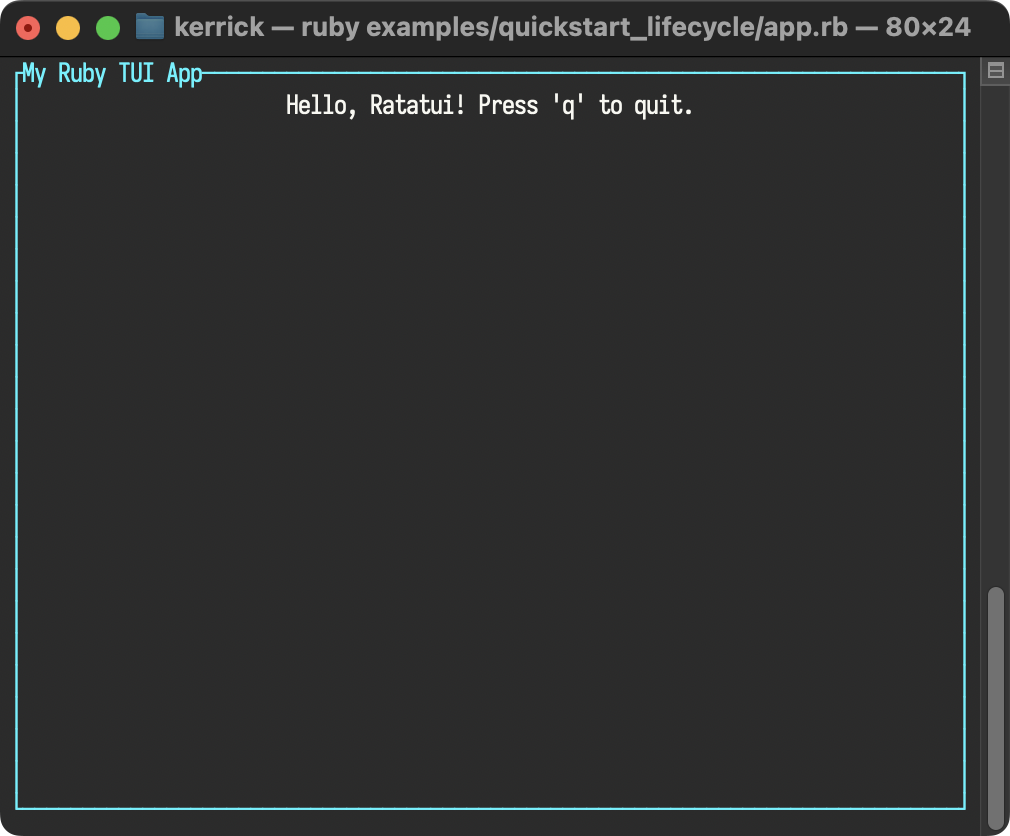
How it works
-
RatatuiRuby.init_terminal: Enters raw mode and switches to the alternate screen. -
Immediate Mode UI: On every iteration of the loop, you describe what the UI should look like by creating
Dataobjects (likeParagraphandBlock). -
RatatuiRuby.draw(view): The Ruby UI tree is passed to the Rust backend, which renders it to the terminal. -
RatatuiRuby.poll_event: Checks for keyboard, mouse, or resize events. -
RatatuiRuby.restore_terminal: Crucial for leaving raw mode and returning the user to their shell properly. Always wrap your loop in abegin...ensureblock to guarantee this runs.
Idiomatic Session
You can simplify your code by using RatatuiRuby.run. This method handles the terminal lifecycle for you, yielding a Session object with factory methods for widgets.
“‘rb require “ratatui_ruby”
1. Initialize the terminal and ensure it is restored.
RatatuiRuby.run do |tui| loop do # 2. Create your UI with methods instead of classes. view = tui.paragraph( text: “Hello, Ratatui! Press ‘q’ to quit.”, alignment: :center, block: tui.block( title: “My Ruby TUI App”, title_alignment: :center, borders: [:all], border_color: “cyan”, style: { fg: “white” } ) )
# 3. Use RatatuiRuby methods, too.
tui.draw(view)
event = tui.poll_event

break if event == "q" || event == :ctrl_c
end end
How it works
-
RatatuiRuby.run: This context manager initializes the terminal before the block starts and ensuresrestore_terminalis called when the block exits (even if an error occurs). -
Widget Shorthand: The block yields a
Sessionobject (here namedtui). This object provides factory methods for every widget, allowing you to writetui.paragraph(...)instead of the more verboseRatatuiRuby::Paragraph.new(...). -
Method Shorthand: The session object also provides aliases for module functions of
RatatuiRuby, allowing you to writetui.draw(...)instead of the more verboseRatatuiRuby::draw(...).
For a deeper dive into the available application architectures (Manual vs Managed), see Application Architecture.
Examples
To see more complex layouts and widget usage, check out the examples/ directory in the repository.
Analytics
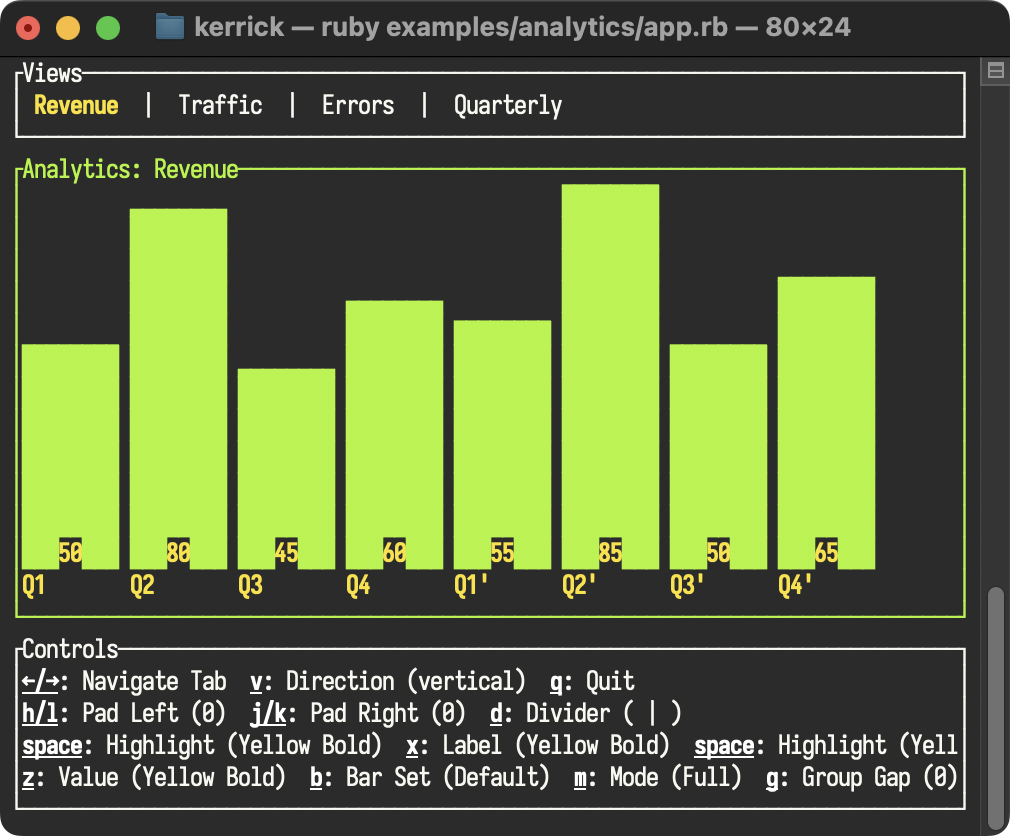
Demonstrates the use of Tabs and BarChart widgets. Features custom highlight styles, base styles, dividers for the tabs, and dynamic width calculation. The BarChart showcases both standard and grouped bars (Quarterly view), highlighting features like group_gap spacing, toggling BarChart::direction, customizing label/value styles, cycling custom BarChart::bar_set characters, and switching between Full and Mini height modes.
All Events
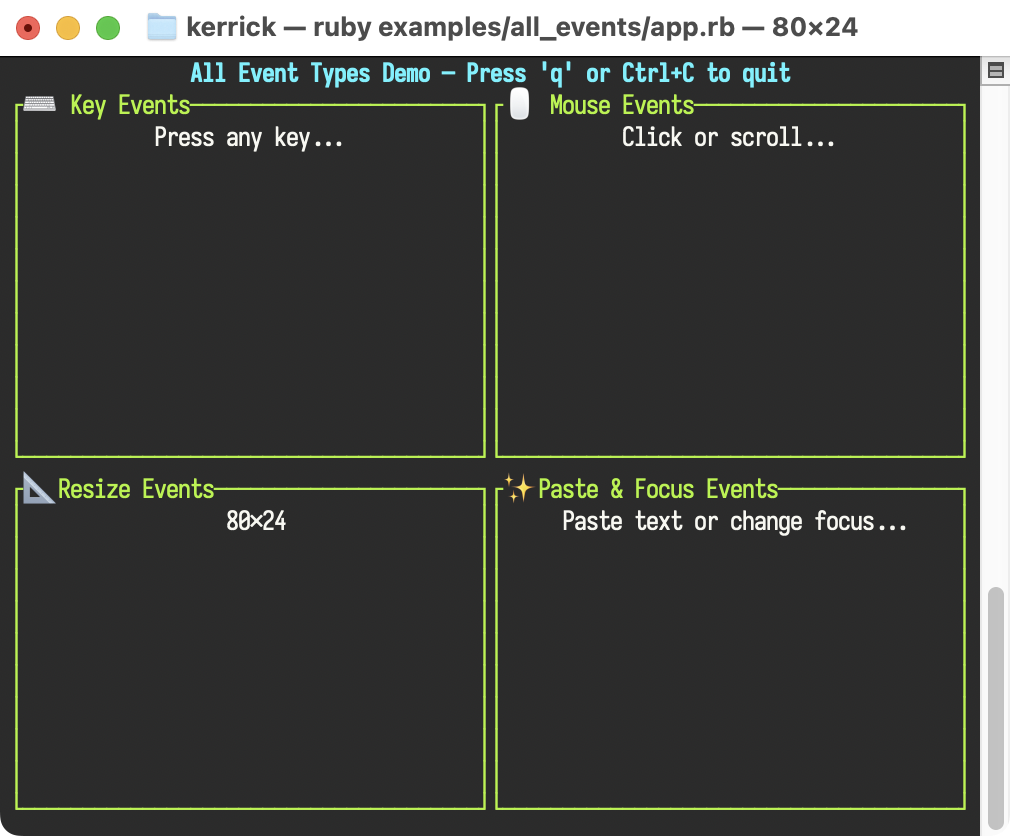
A comprehensive demonstration of every event type supported by ratatui_ruby: Key, Mouse, Resize, Paste, and Focus events.
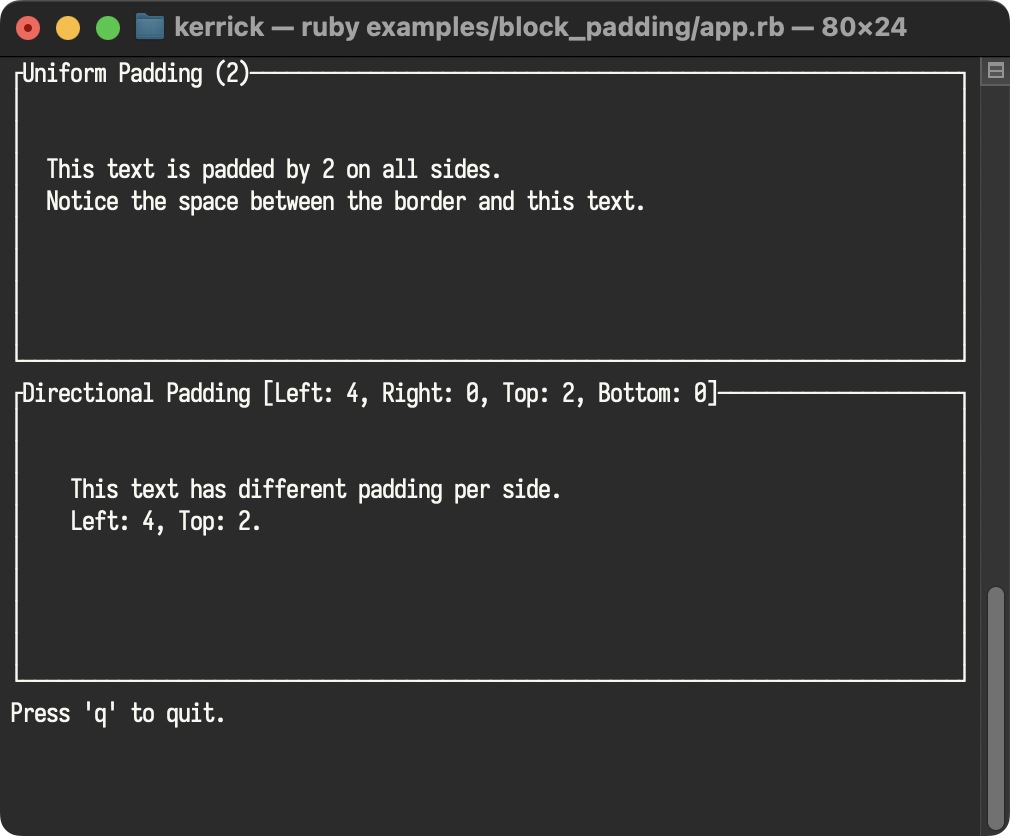
Block Padding
Demonstrates the padding property of the Block widget, supporting both uniform and directional padding.
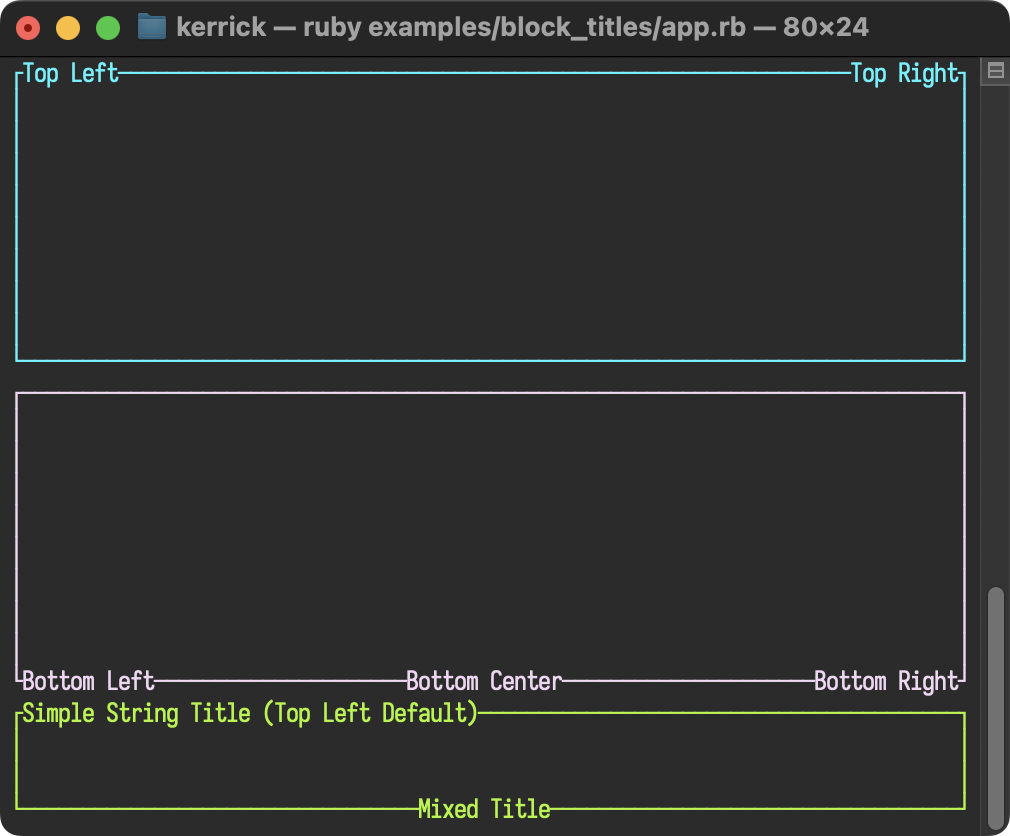
Block Titles
Demonstrates the Block widget’s ability to render multiple titles with individual alignment and positioning (top/bottom).
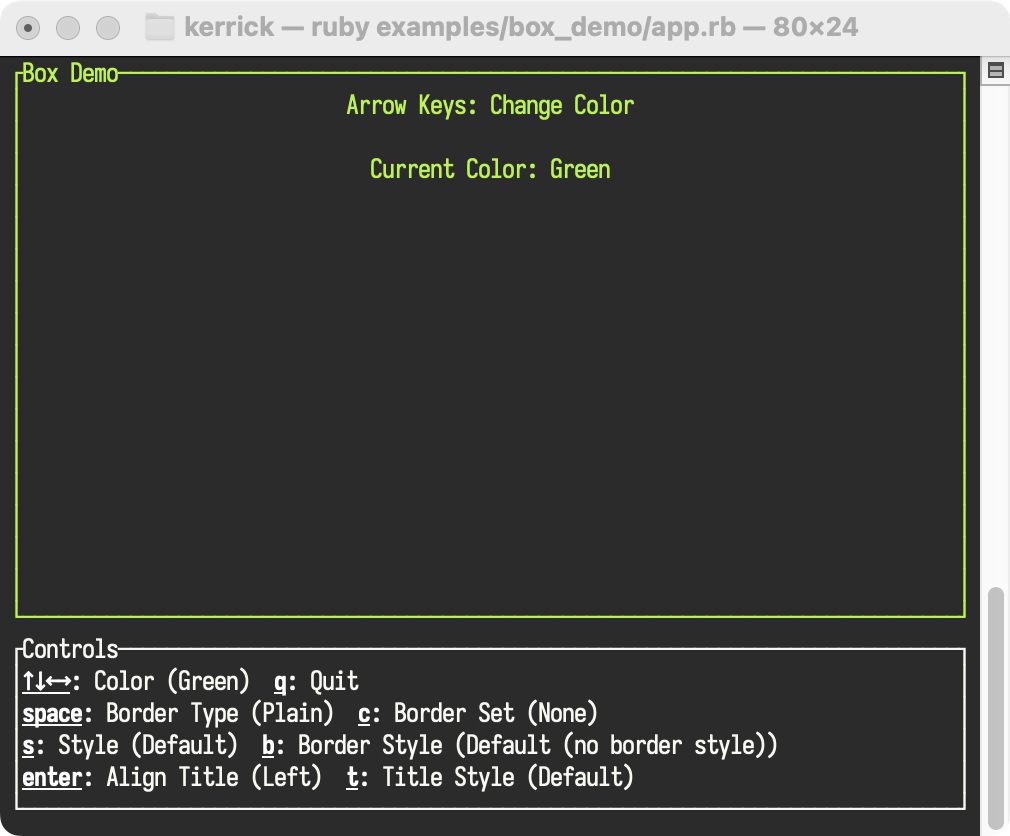
Box Demo
A simple demonstration of Block and Paragraph widgets, reacting to key presses to change colors, border types, border styles, and title styling. Features the new border_style parameter for applying colors and modifiers (bold, italic) to borders independently of the content background.
Calendar Demo
Demonstrates the Calendar widget with interactive attribute cycling. Features event highlighting (dates with specific styles), toggleable month/weekday headers, and surrounding month visibility (with custom styling) via keyboard shortcuts. Press h to toggle month header, w to toggle weekday header, s to toggle surrounding month dates, and e to toggle events.
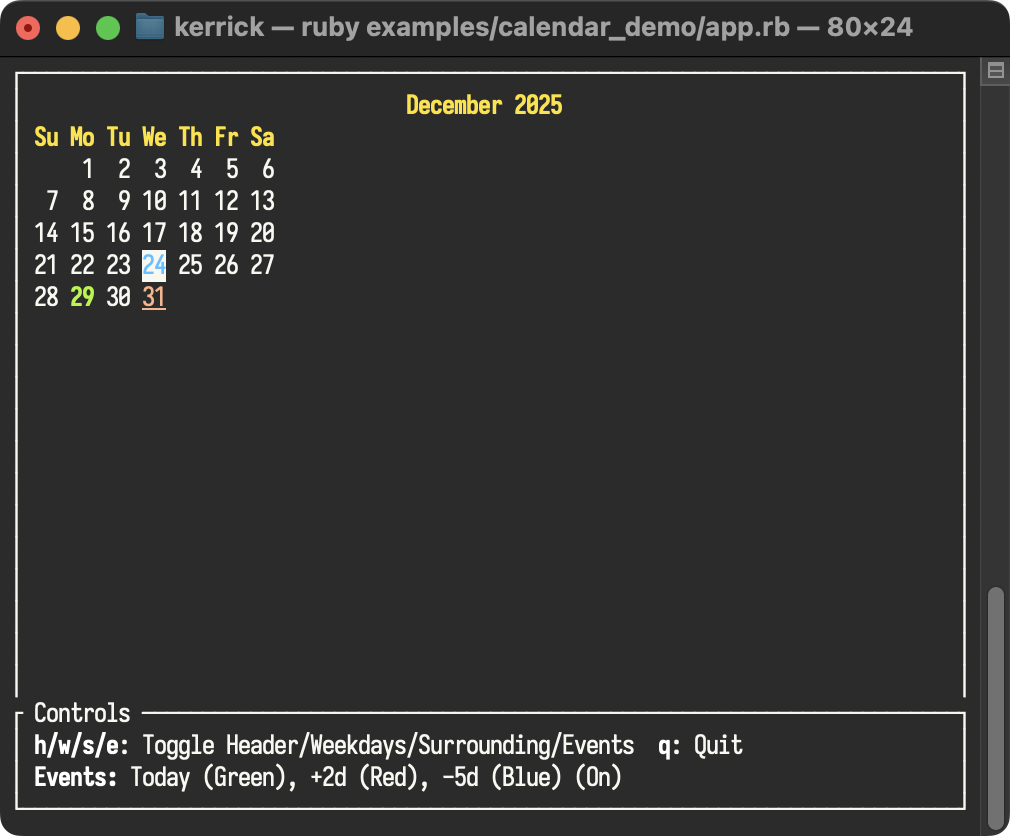
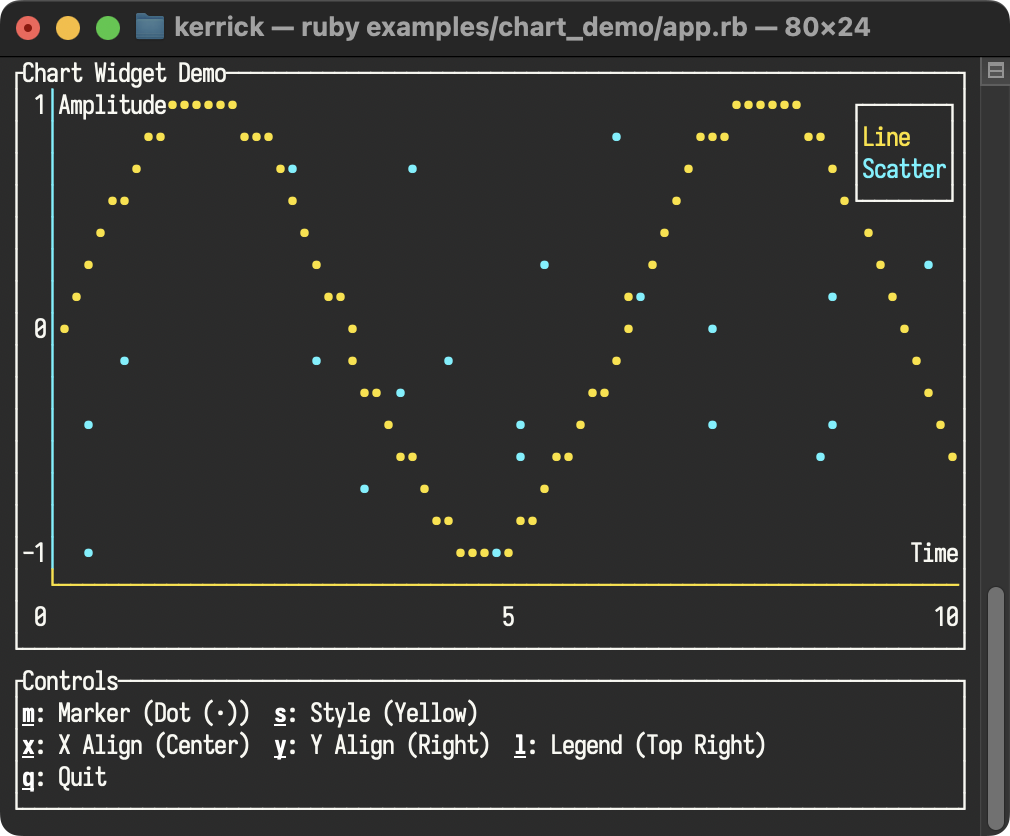
Chart Demo
Demonstrates the Chart widget with both scatter and line datasets, including custom axes. Features customizable axis label alignment and legend positioning.
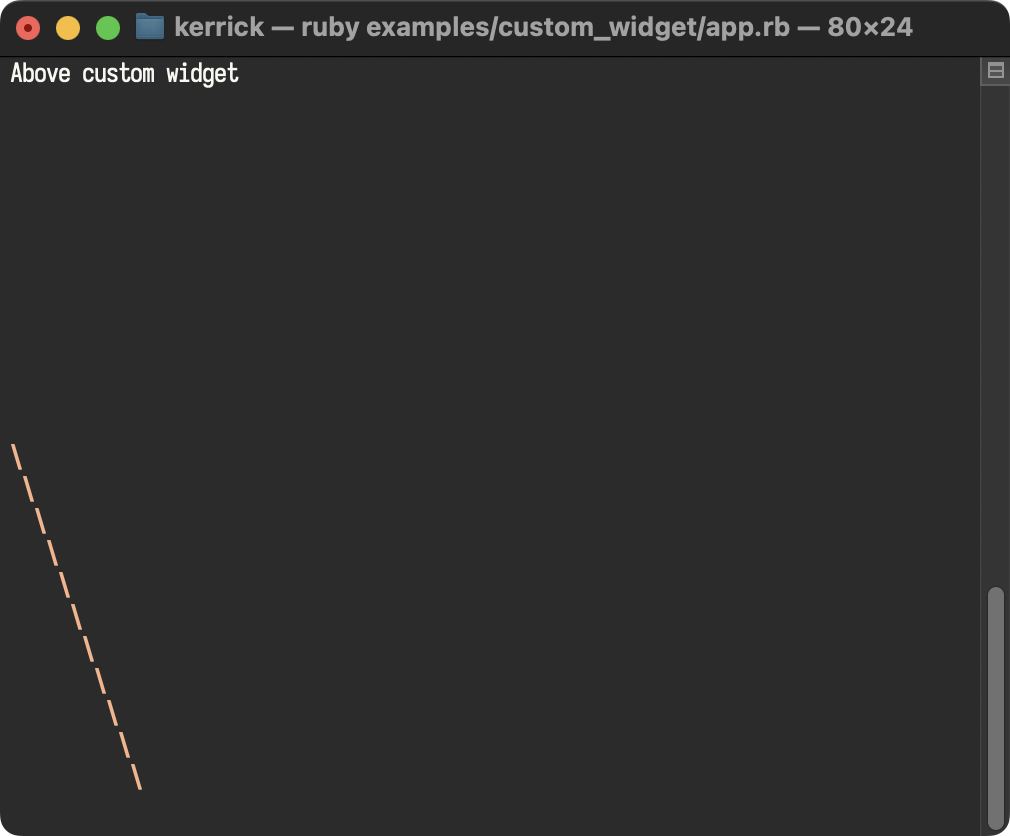
Custom Widget (Escape Hatch)
Demonstrates how to define a custom widget in pure Ruby using the render(area, buffer) escape hatch for low-level drawing.
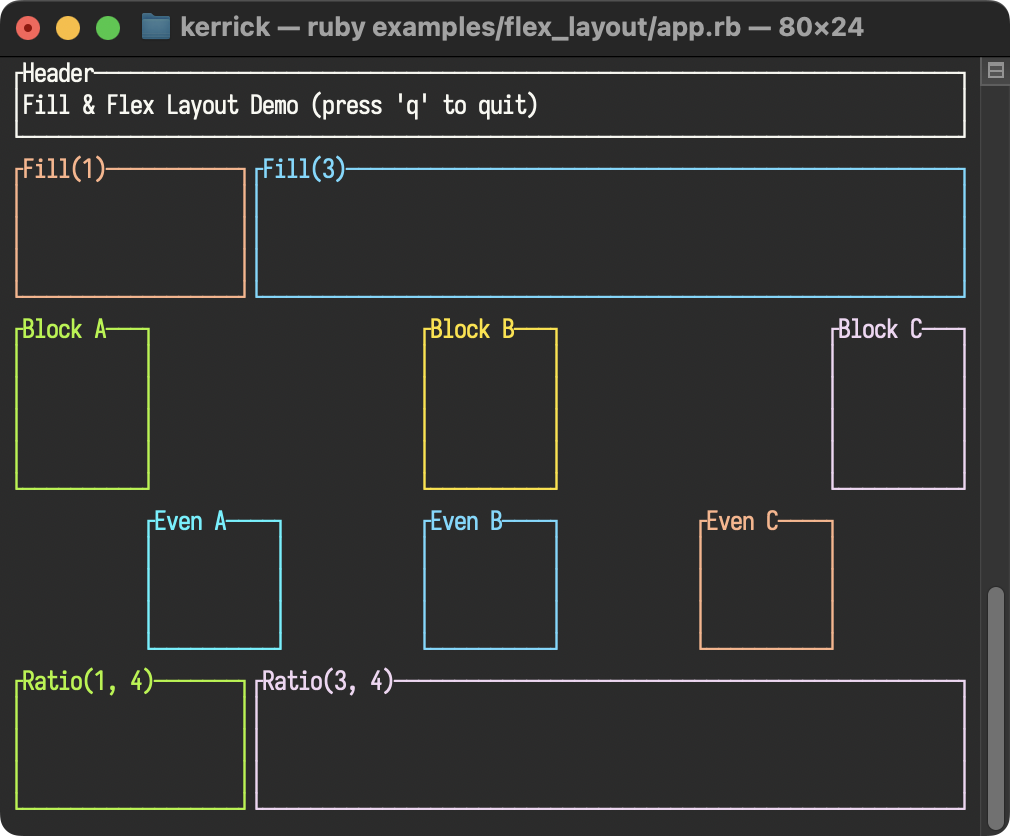
Flex Layout
Demonstrates modern layout features including Constraint.fill and Constraint.ratio for proportional space distribution and flex: :space_between for evenly distributing fixed-size elements.
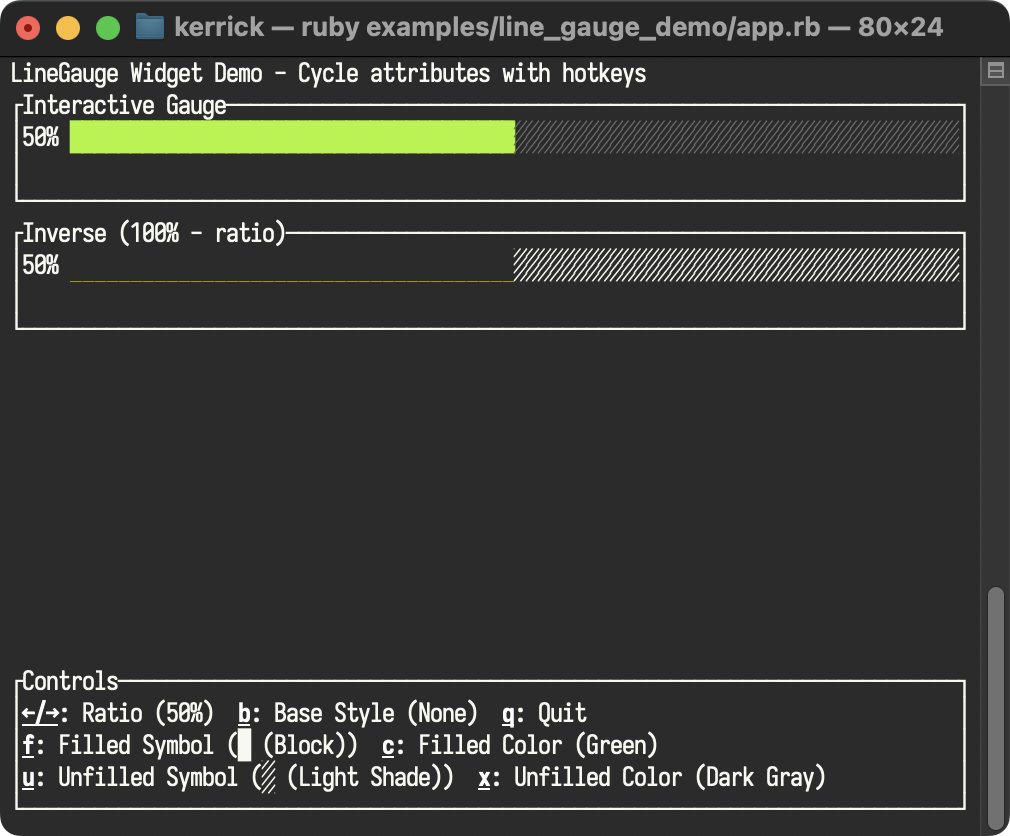
LineGauge Demo
Demonstrates the LineGauge widget with customizable filled and unfilled symbols, base style support via the style parameter, independent styling for filled/unfilled portions, and interactive ratio cycling with arrow keys.
List Demo
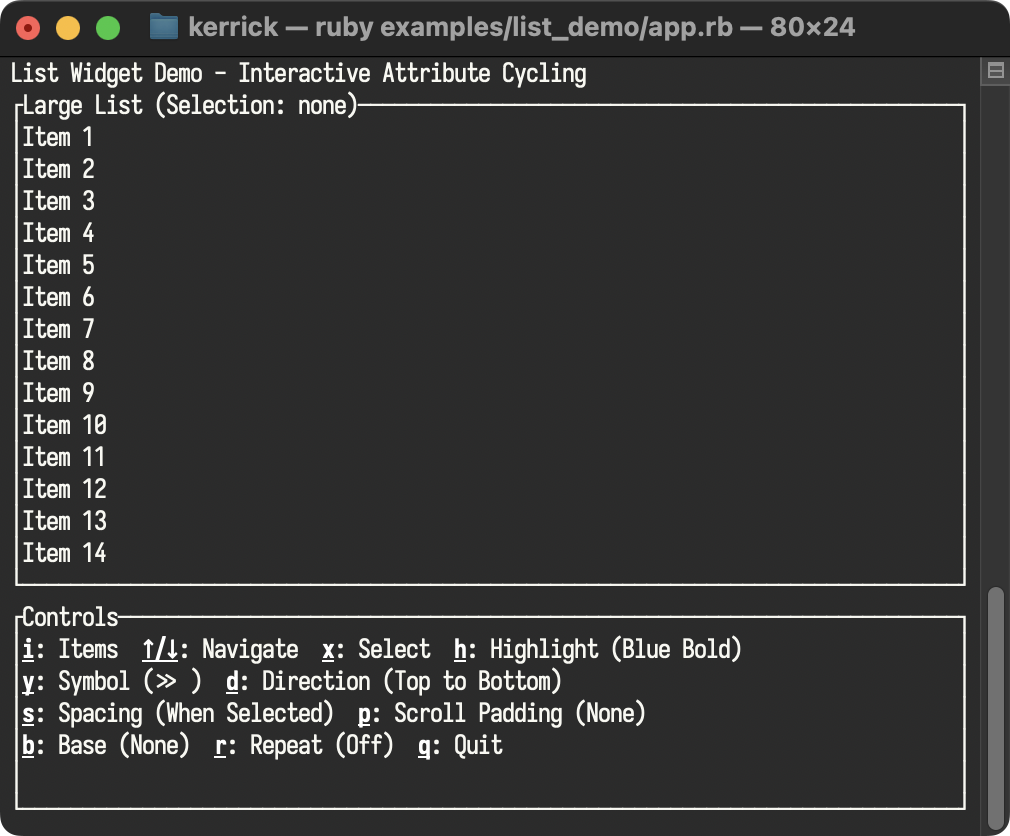
Demonstrates the List widget with interactive attribute cycling. Features multiple item sets to browse, customizable highlight styles and symbols, and exploration of all List options including direction, highlight spacing, repeat symbol mode, scroll padding, and base styling. The sidebar provides hotkey documentation for discovering all List features, including the new p key to adjust scroll padding.
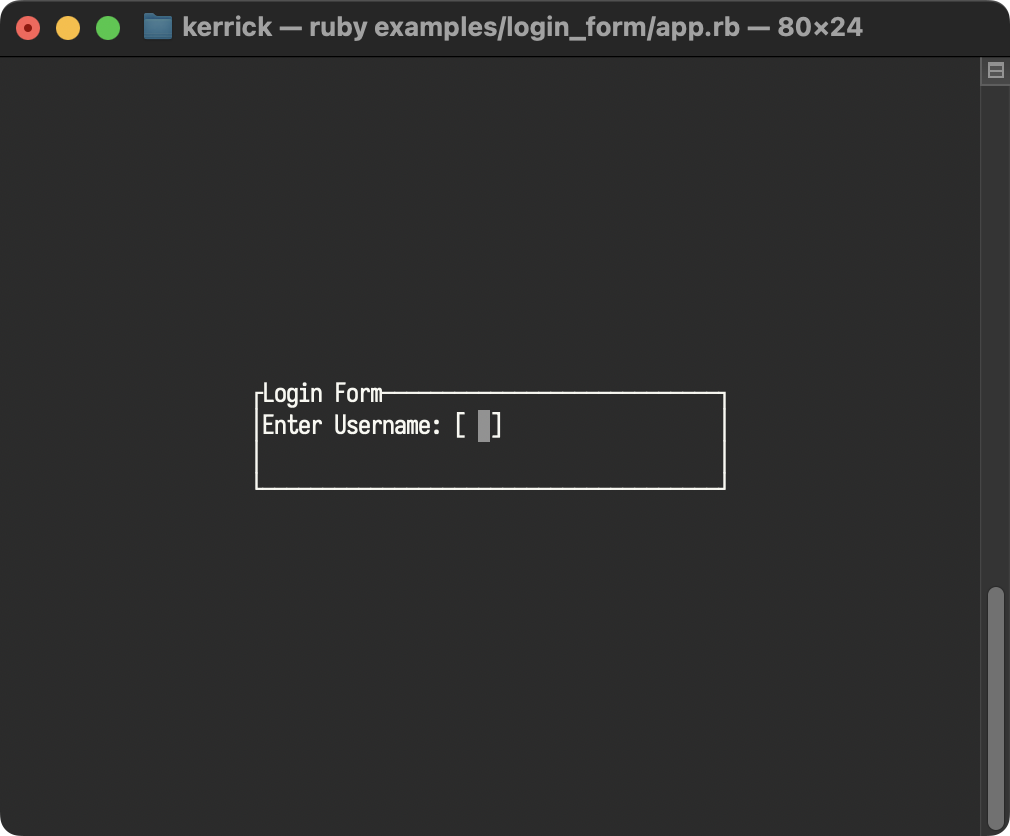
Login Form
Shows how to use Overlay, Center, and Cursor to build a modal login form with text input.
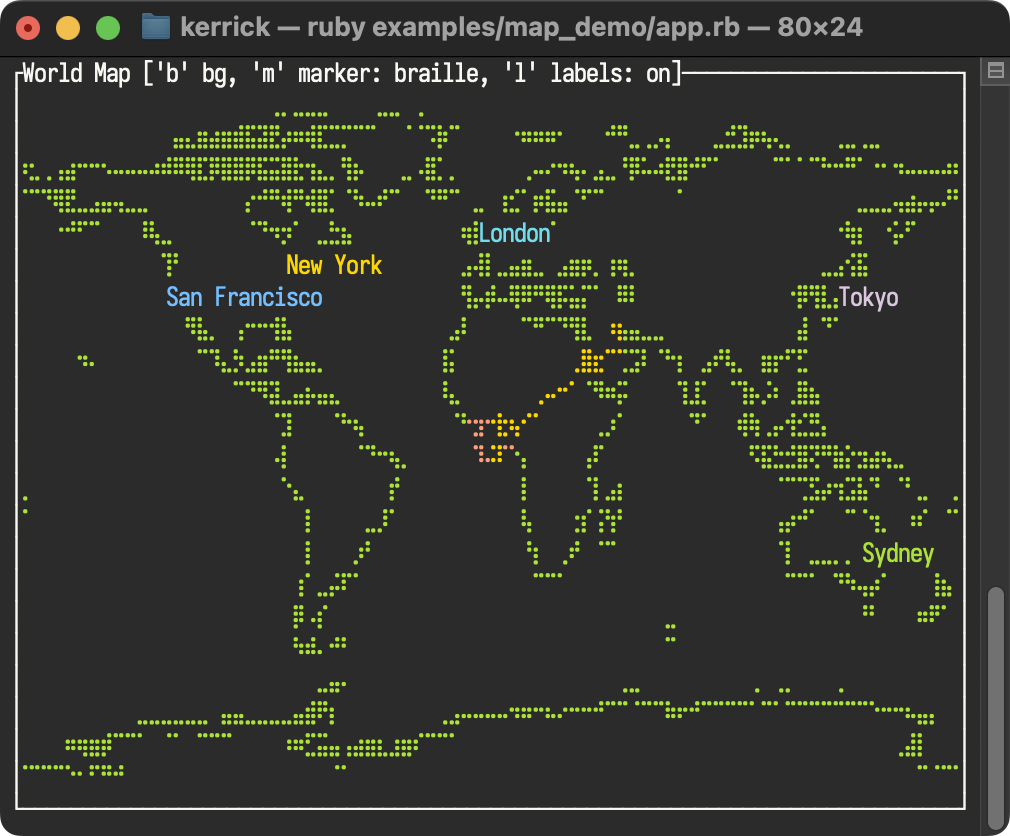
Map Demo
Exhibits the Canvas widget’s power, rendering a world map with city labels, animated circles, and lines.
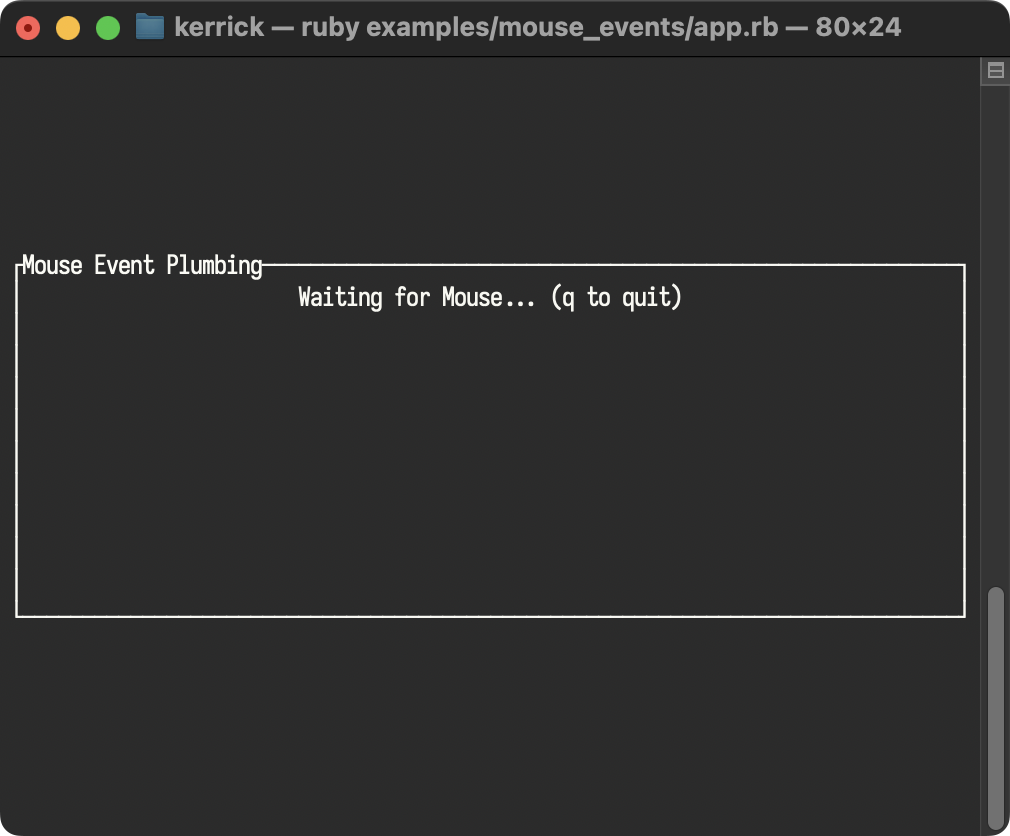
Mouse Events
Detailed plumbing of mouse events, including clicks, drags, and movement tracking.
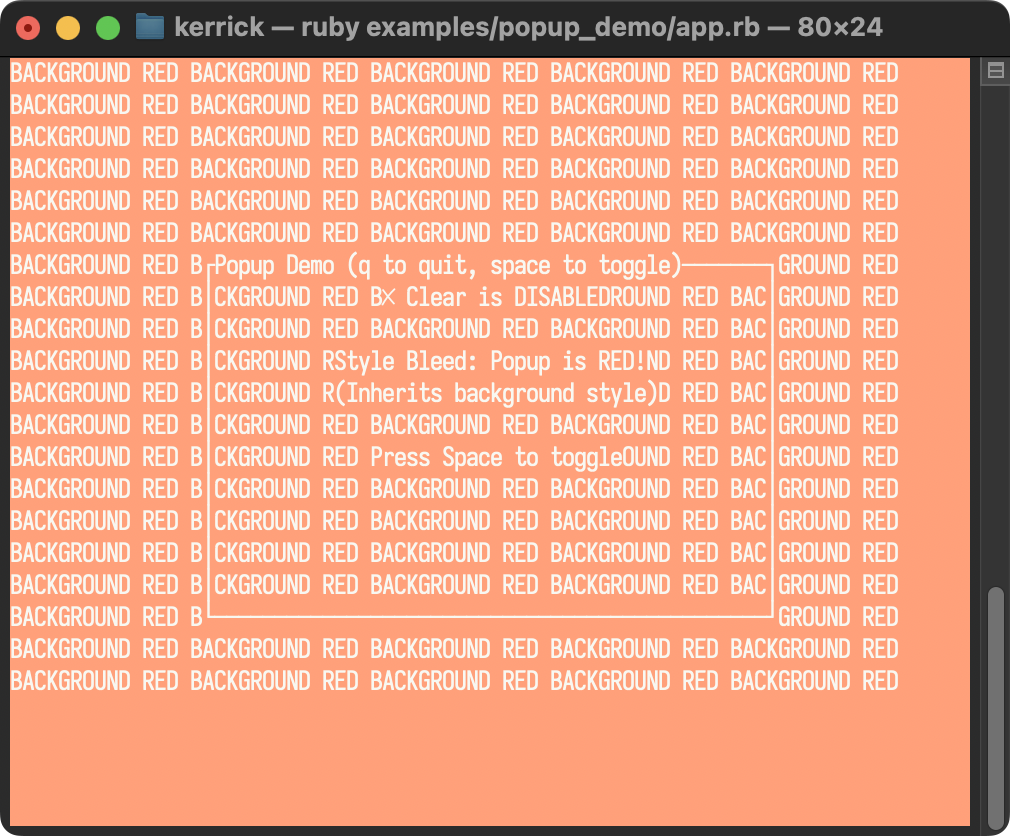
Popup Demo
Demonstrates the Clear widget and how to prevent “style bleed” when rendering opaque popups over colored backgrounds.
Ratatui Logo Demo
Demonstrates the RatatuiLogo widget.

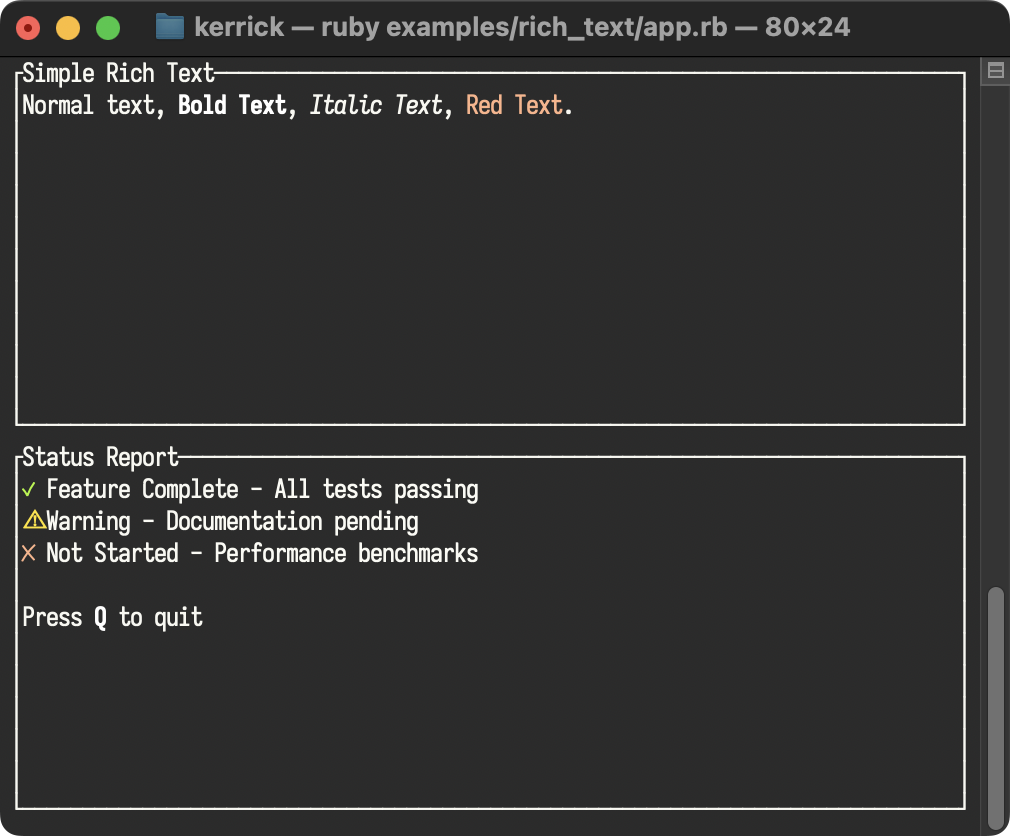
Rich Text
Demonstrates Text::Span and Text::Line for creating styled text with inline formatting, enabling word-level control over colors and text modifiers.
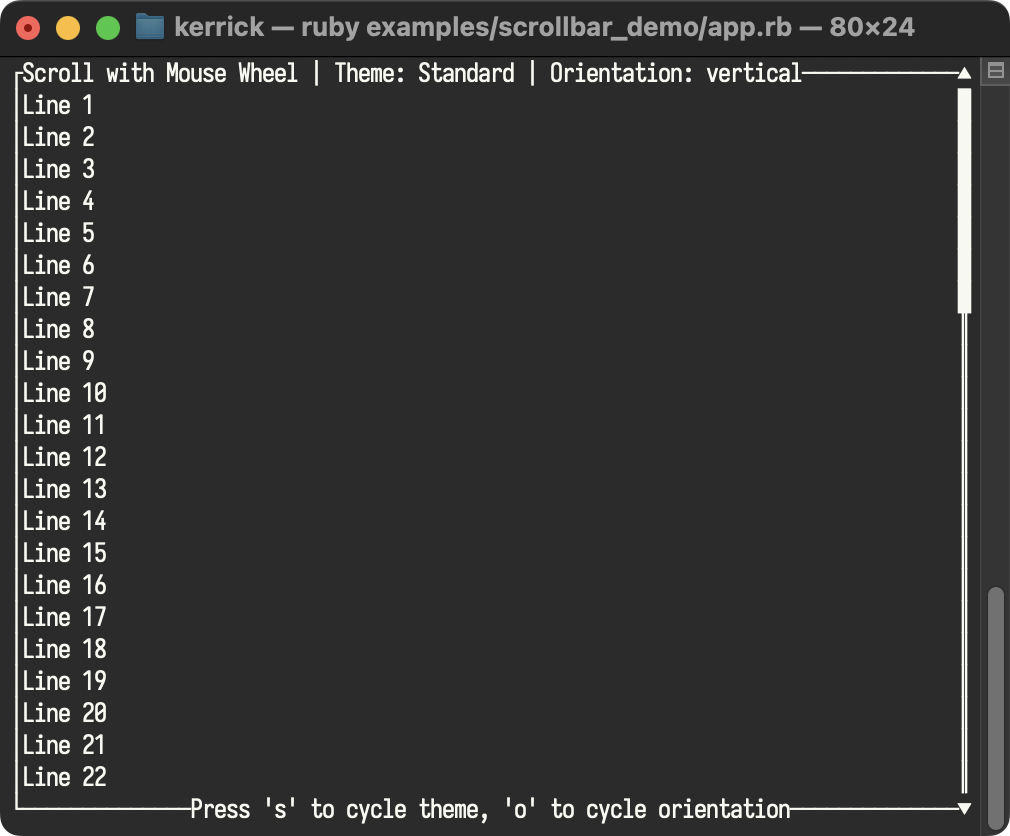
Scrollbar Demo
A demonstration of the Scrollbar widget, featuring mouse wheel scrolling and extensive customization of symbols and styles.
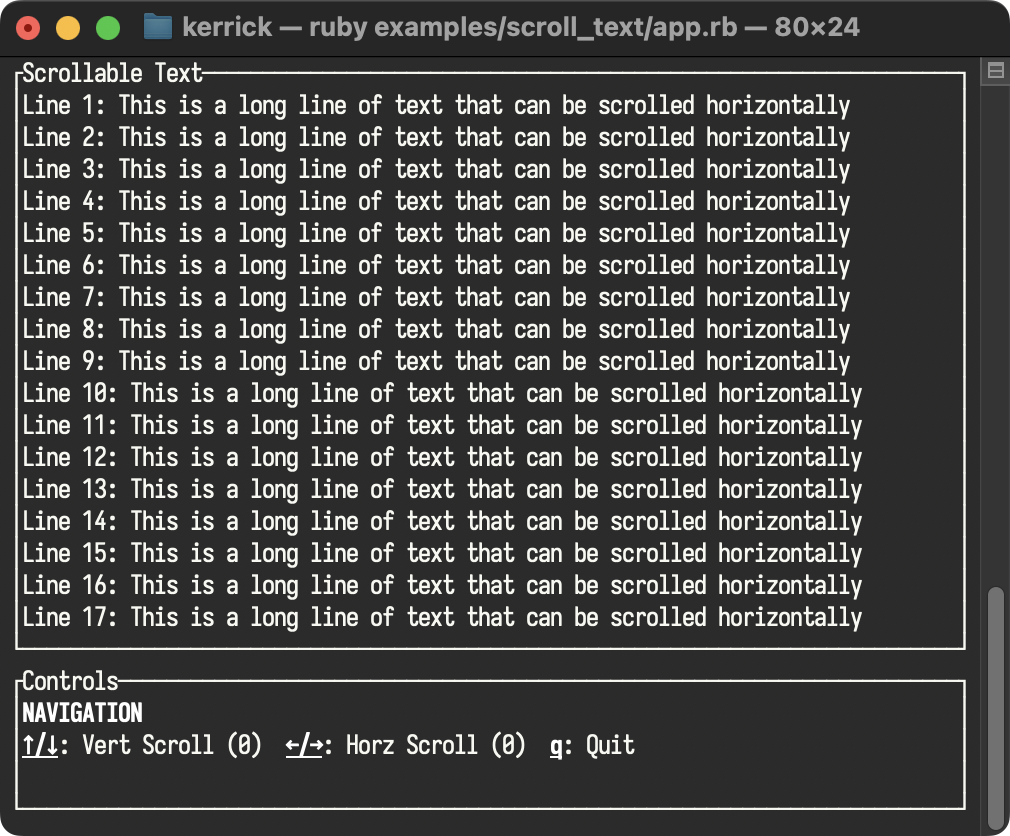
Scroll Text
Demonstrates the Paragraph widget’s scroll functionality, allowing navigation through long text content using arrow keys for both horizontal and vertical scrolling.
Sparkline Demo
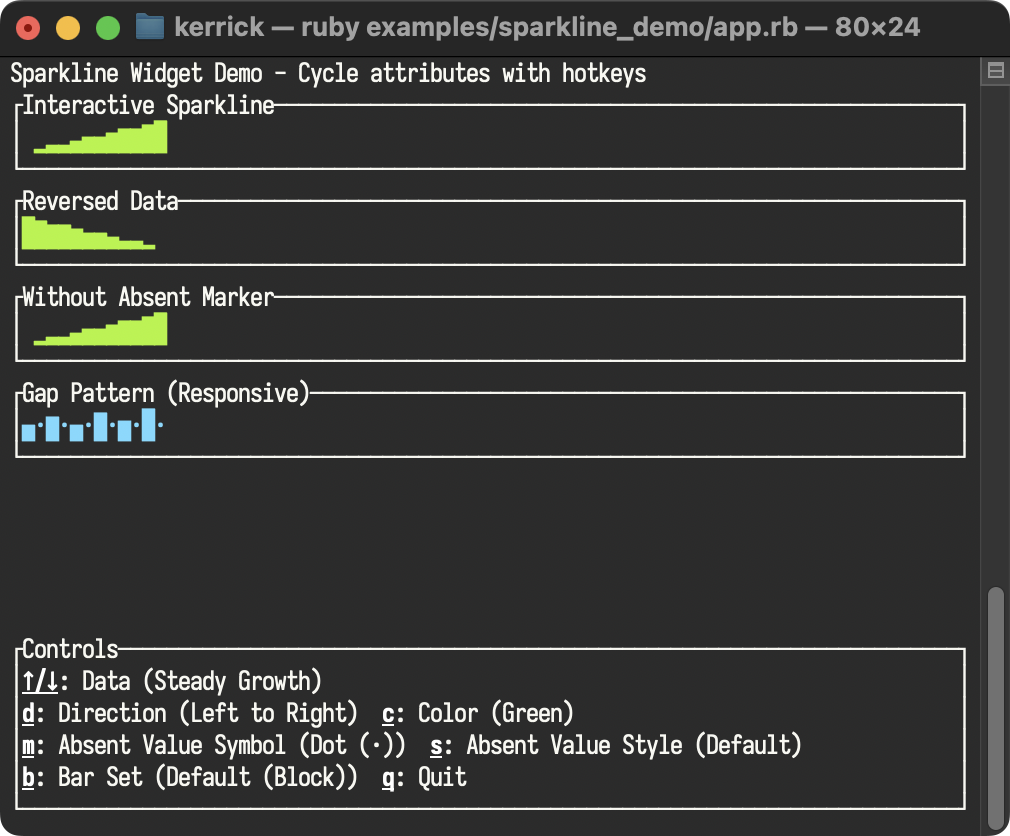
Demonstrates the Sparkline widget with interactive attribute cycling. Features multiple data sets with different patterns (steady growth, gaps, random, sawtooth, peaks), and explores all Sparkline options including direction, color, the new absent_value_symbol and absent_value_style parameters for distinguishing zero/absent values from low data, and the new bar_set parameter for custom bar characters.
Gauge Demo
Demonstrates the Gauge widget with interactive attribute cycling. Features multiple gauge instances with customizable ratio, gauge color, background style, Unicode toggle, and label modes. The sidebar provides hotkey documentation for exploring all Gauge options, including the distinction between style (background) and gauge_style (filled bar).
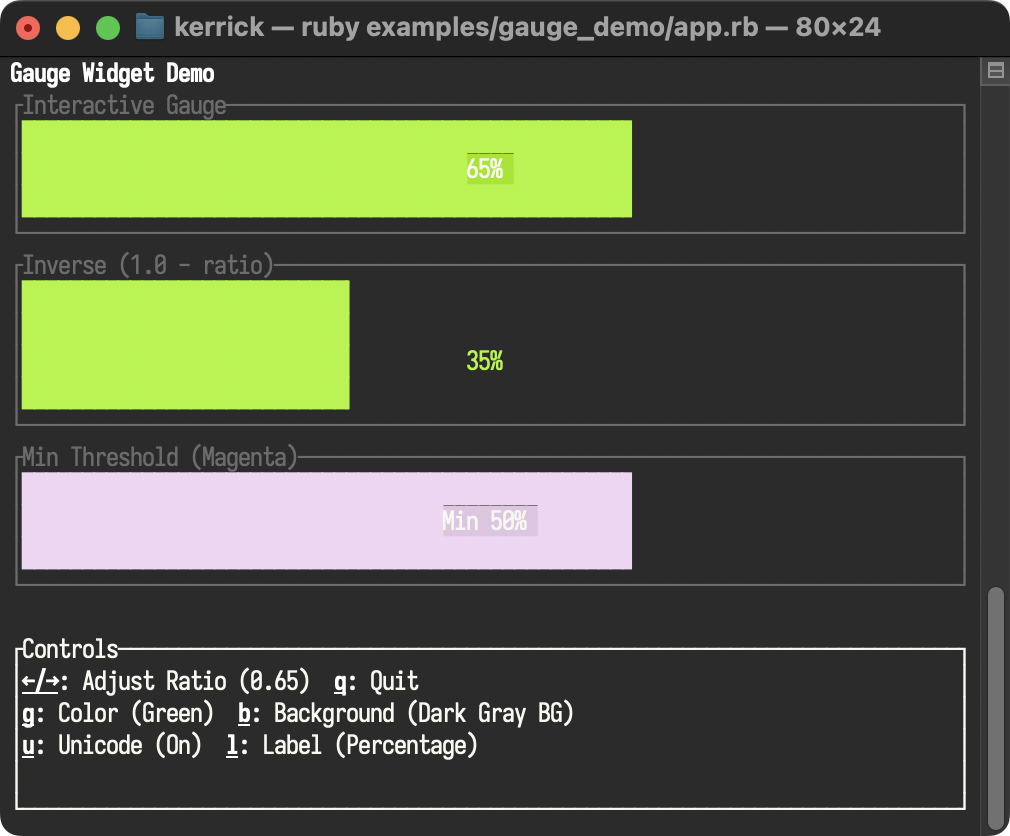
Table Select
Demonstrates interactive row selection in the Table widget with keyboard navigation, highlighting selected rows with custom styles and symbols, applying a base style, and dynamically adjusting column_spacing. Also demonstrates column_highlight_style and the new cell_highlight_style for precise selection visualization.
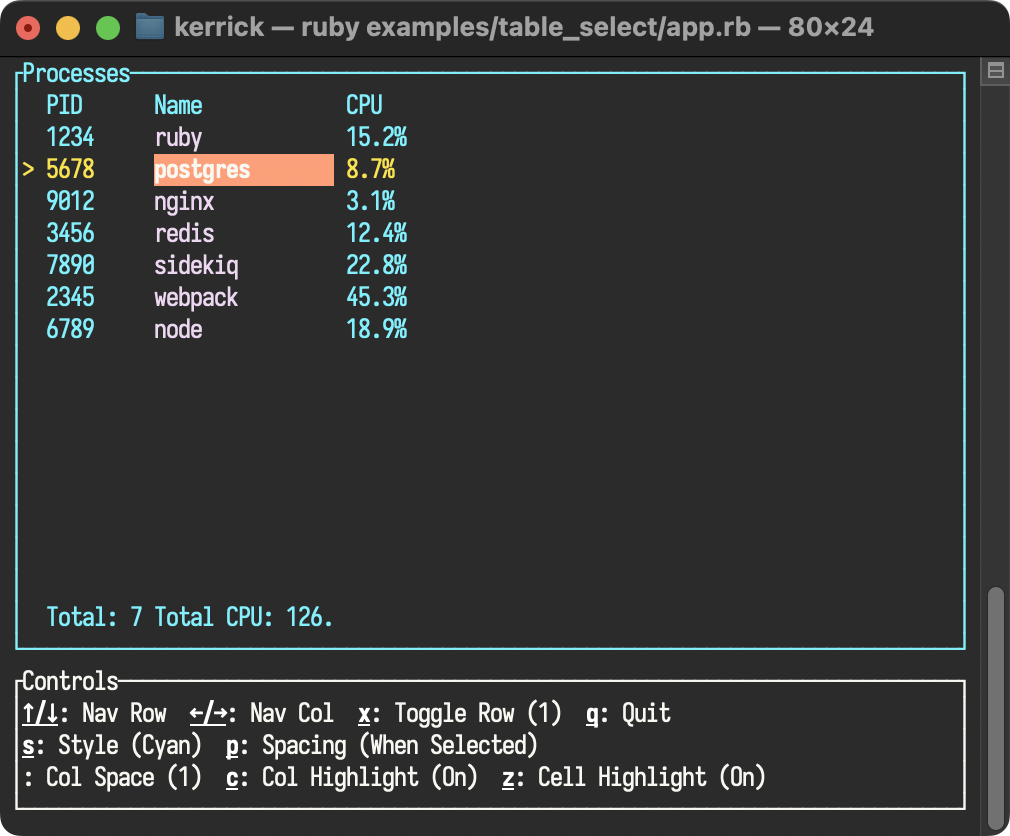
Table Flex
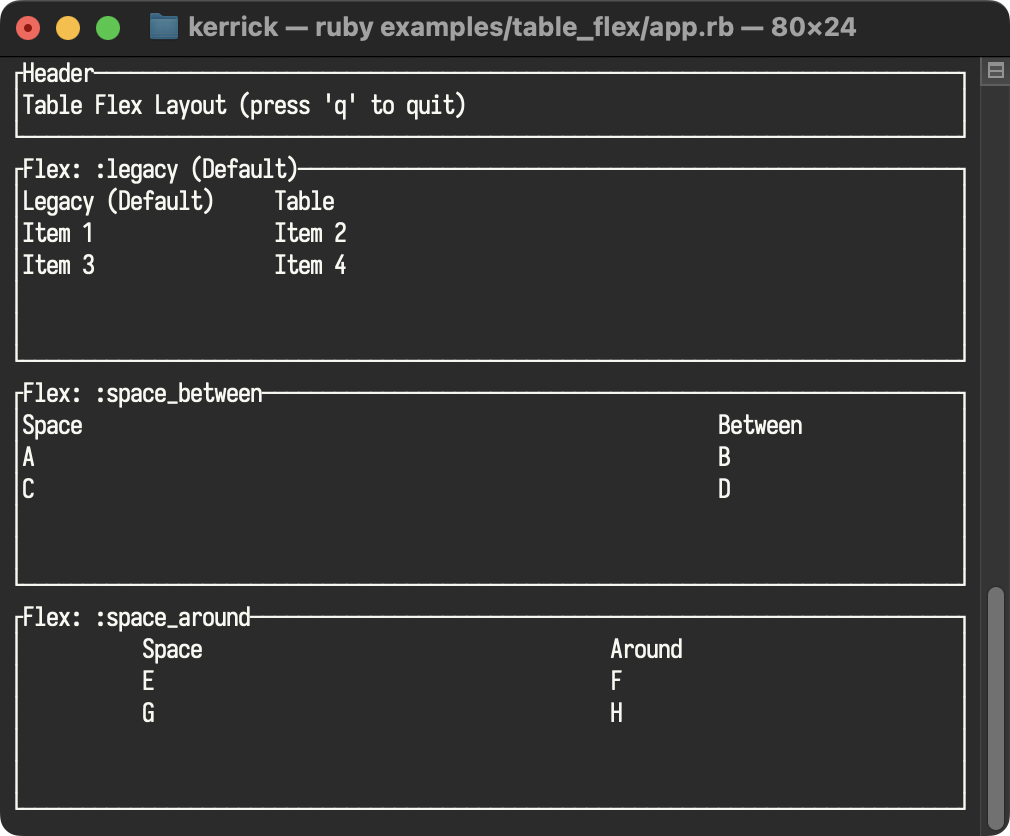
Demonstrates different flex modes in the Table widget, such as :space_between and :space_around, allowing for modern, responsive table layouts.
Widget Style Colors
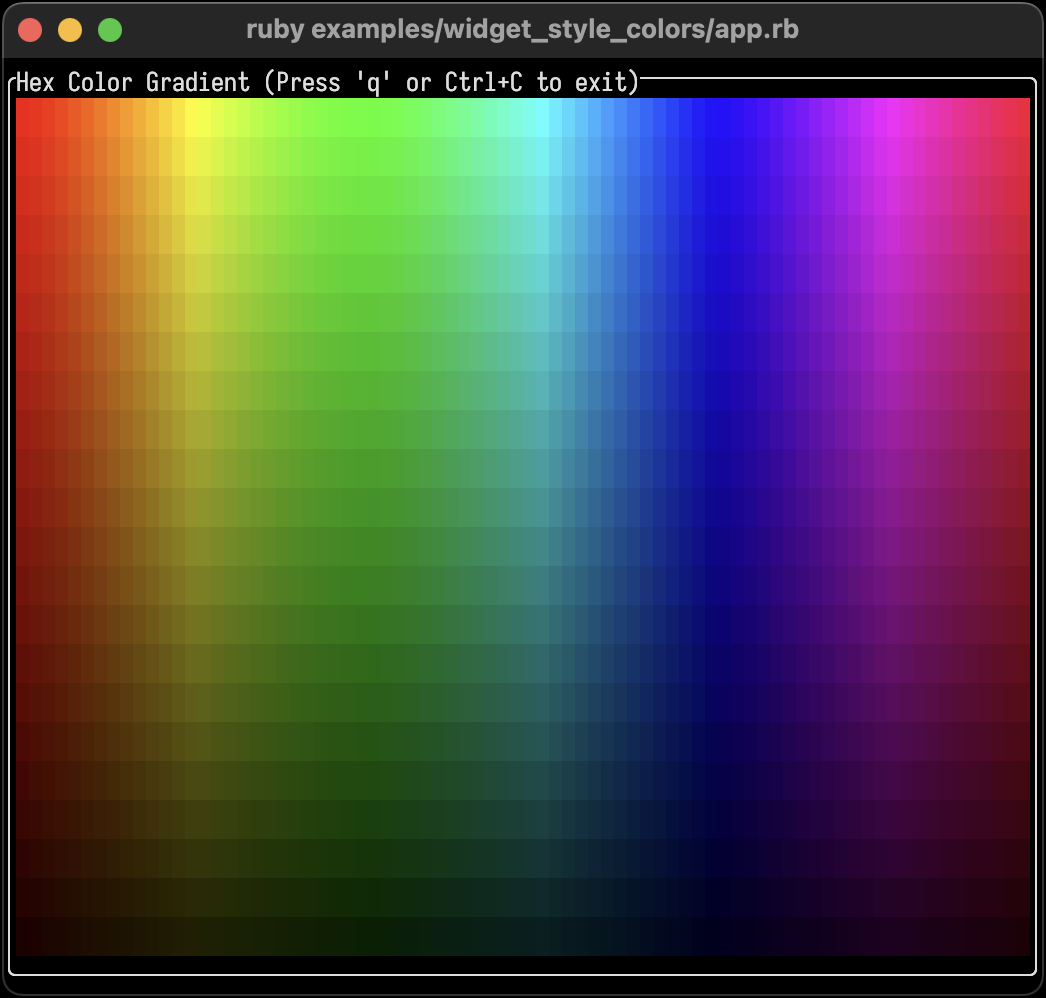
Demonstrates hexadecimal color code support in Style parameters. Renders an 80x24 color gradient using HSL-to-RGB conversion and RRGGBB hex codes, showcasing 24-bit true color rendering on capable terminals.